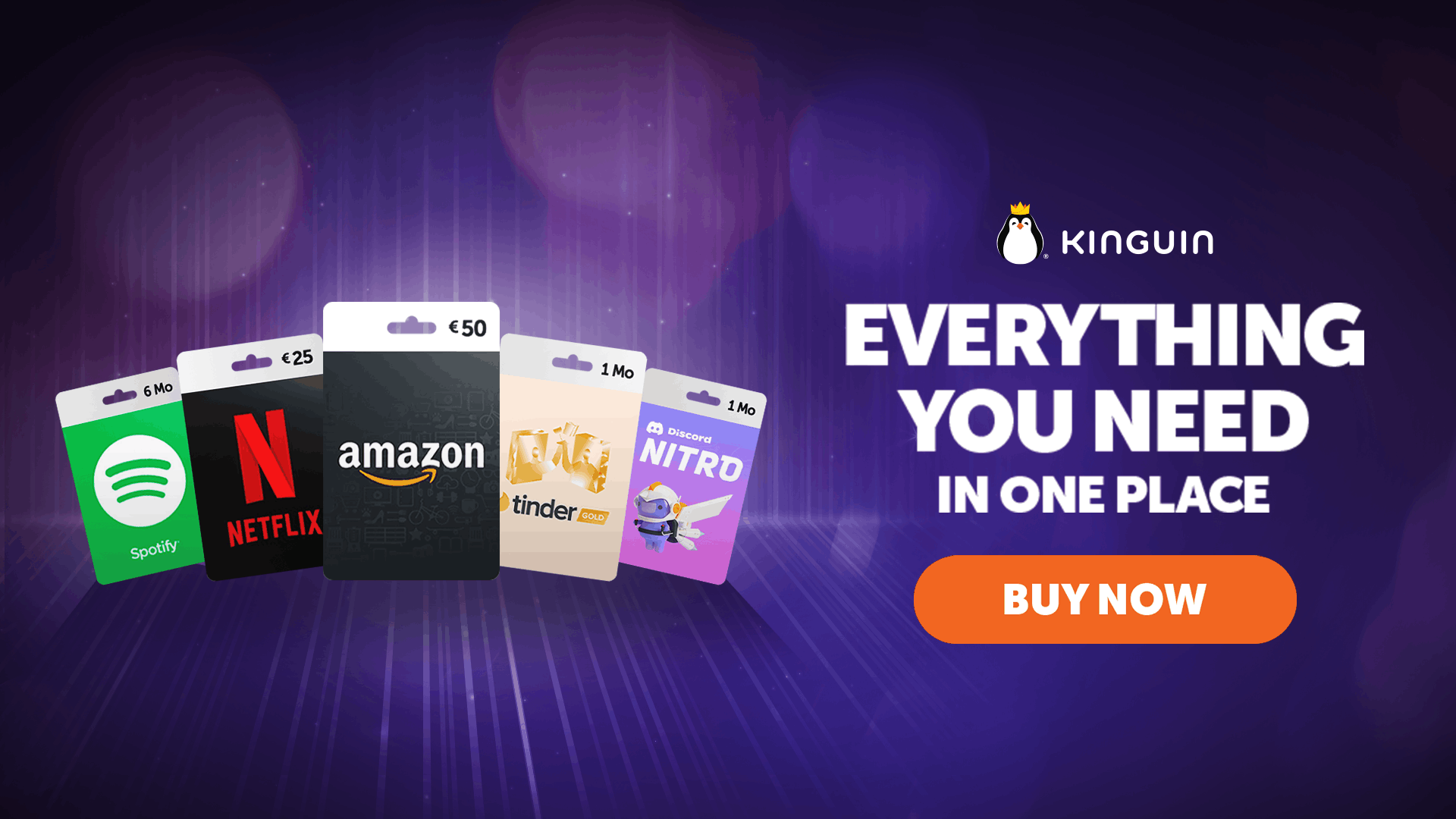
Digital marketplaces can make it easy to compare game keys, software, gift cards and other digital products, but the cheapest listing is not automatically the right listing. Kinguin carries products from multiple digital categories and individual offers can differ by seller, platform, edition, activation method and region.
1. Check the platform first
A PC key is not interchangeable with a PlayStation, Xbox or Nintendo product. Even on PC, activation can depend on a particular service or launcher. Read the platform and activation information before paying.
2. Verify the exact edition
Standard, Deluxe, Ultimate and other editions may contain different content. DLC and expansion products can also require the base game. Compare the exact product name rather than only the artwork.
3. Understand region restrictions
A key may be global or restricted to a country or region. Your current location and account region can matter. Kinguin product information can include region and activation details, so verify compatibility before checkout.
4. Remember that Kinguin is a marketplace
Different sellers can offer the same or similar product. That means price, availability and seller details may vary. Review the individual offer rather than treating every listing as identical.
5. Compare the final checkout cost
A headline price is only useful if it matches the amount you ultimately pay. Review the cart and final total before confirming the purchase.
6. Know what you are buying
Kinguin is broader than game keys. Its marketplace can include games, DLC, software, gift cards, subscriptions, top-ups and other digital goods. The checks above are therefore important across several product types.
Is Kinguin a good fit for you?
Kinguin is most relevant to buyers who are comfortable comparing digital offers and checking technical purchase details. People who prefer a single direct retailer with a uniform catalog may prefer a different buying model.
Read our Kinguin Review 2026 and Kinguin product review before deciding.
Bottom line
The safest way to use any digital marketplace is to slow down at the product-detail stage. Verify platform, edition, activation method, region, seller and final price. Those checks matter more than chasing the lowest number on the first search result.
Affiliate disclosure: Velinqo may earn a commission from eligible purchases made through our links, at no extra cost to you.
Save the listing details
Keep a copy of the product page, seller information and purchase confirmation until redemption is complete. If a key has region, edition or activation restrictions, those details are easier to resolve when the original listing is still available.